If you use an iPhone, iPad or Mac, now is the time to check for updates.
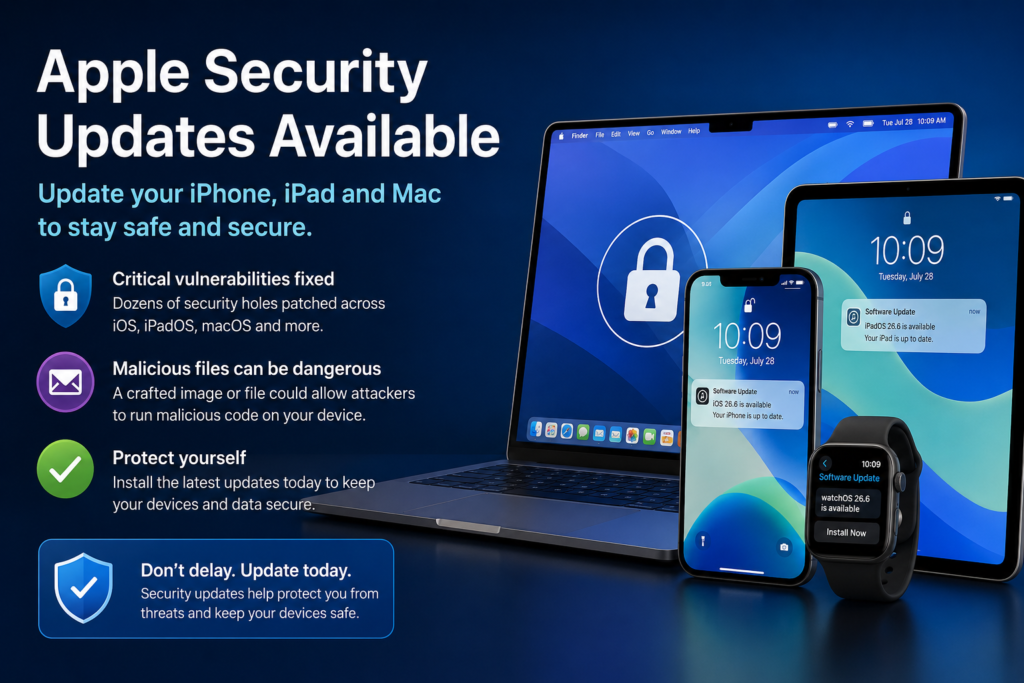
Apple has released an important round of security updates for its devices, fixing dozens of vulnerabilities that could potentially be exploited by cybercriminals. While these updates don’t introduce many new features, they close security holes that could otherwise leave your device at risk.
At Cybersecurity Advisor, our advice is simple: install these updates as soon as possible.
Which Apple Devices Are Affected?
Apple has released security updates for:
- iOS 26.6 – iPhone 11 and newer
- iPadOS 26.6 – Supported iPads
- macOS Tahoe 26.6
- macOS Sequoia 15.7.8
- macOS Sonoma 14.8.8
- Safari 26.6
- watchOS 26.6
- tvOS 26.6
- visionOS 26.6
If your Apple device is still supported, there is a good chance an update is waiting for you.
Why These Updates Matter
Many people delay updates because they assume they’re only getting cosmetic improvements or new features. This release is different.
Apple has fixed vulnerabilities affecting core components of its operating systems, including:
- The operating system kernel
- Safari’s WebKit browser engine
- Media processing frameworks
- Image handling
- File management
- 3D graphics processing
Several of these vulnerabilities could allow an attacker to execute malicious code simply by tricking a user into opening a specially crafted file.
In plain English, that means a malicious image, attachment or document could potentially compromise your device without installing traditional malware.
The Most Concerning Vulnerabilities
Among the security fixes are several notable vulnerabilities affecting:
ImageIO
ImageIO is responsible for displaying virtually every image on your Apple device.
It is used by:
- Photos
- Messages
- Safari
- Preview
- Many third-party applications
A malicious image could trigger unexpected behaviour or allow an attacker to execute code on your device.
SceneKit
SceneKit powers 3D graphics and models used by games and many modern applications.
A specially crafted 3D asset or scene file could potentially be used to exploit vulnerable systems.
AppleDouble
Most users have never heard of AppleDouble, and that’s perfectly normal.
It’s a background technology macOS uses when handling files stored on network drives or when sharing files with non-Apple systems.
Although largely invisible to users, flaws here could still be exploited if malicious files are processed.
Why Images Can Be Dangerous
Many people believe only programs can infect a computer.
Unfortunately, that’s no longer true.
Modern operating systems automatically process countless file formats including:
- JPEG images
- PNG files
- TIFF images
- RAW photographs
- GIF animations
- 3D models
- Metadata attached to files
If a vulnerability exists within one of these file parsers, simply opening the file may be enough to trigger the exploit.
Fortunately, Apple has addressed these issues in the latest updates.
Be Extra Careful Until You Update
Until your devices have been updated, it is wise to be especially cautious.
Avoid opening:
- Unexpected email attachments
- Images from unknown senders
- Files received through messaging apps
- Downloads from untrusted websites
Even if a file appears harmless, it may have been specifically crafted to exploit one of these vulnerabilities.
How to Update Your Devices
iPhone and iPad
- Open Settings
- Tap General
- Select Software Update
- Install any available updates
- Enable Automatic Updates if it isn’t already turned on
Mac
- Click the Apple menu
- Open System Settings
- Select General
- Click Software Update
- Install any available updates
Safari updates are generally included as part of macOS updates, although users running older supported versions may occasionally receive Safari updates separately.
Our Advice
Security updates are one of the simplest and most effective ways to protect yourself online.
Cybercriminals actively study newly disclosed vulnerabilities, often attempting to exploit devices that remain unpatched. Delaying updates unnecessarily increases your exposure.
Take a few minutes today to update your Apple devices. It’s a small investment of time that significantly improves your security.
Cybersecurity Advisor Tip
Technology alone isn’t enough to keep you safe. Healthy online habits are equally important.
Be cautious with unexpected emails, suspicious attachments, unsolicited messages and unfamiliar websites. Even the best security updates cannot protect against every scam if we’re persuaded into clicking the wrong link.
Keeping your devices updated, combined with a healthy dose of scepticism online, remains one of the strongest defences against today’s cyber threats.